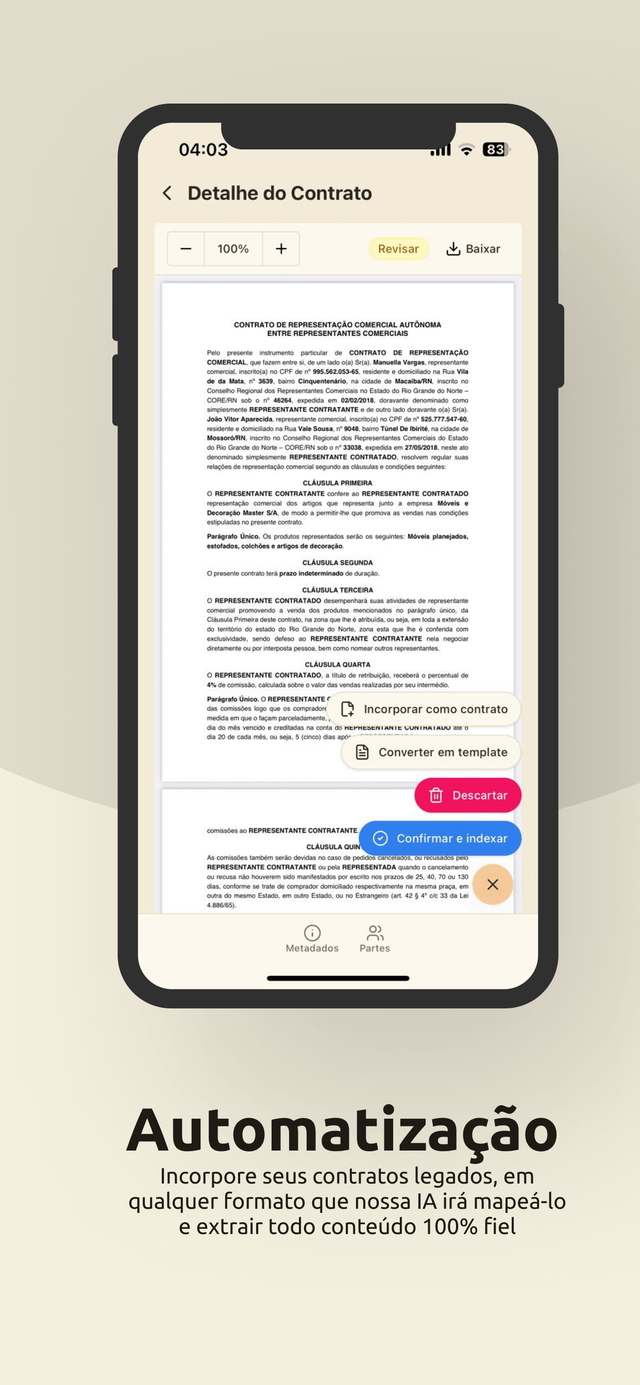
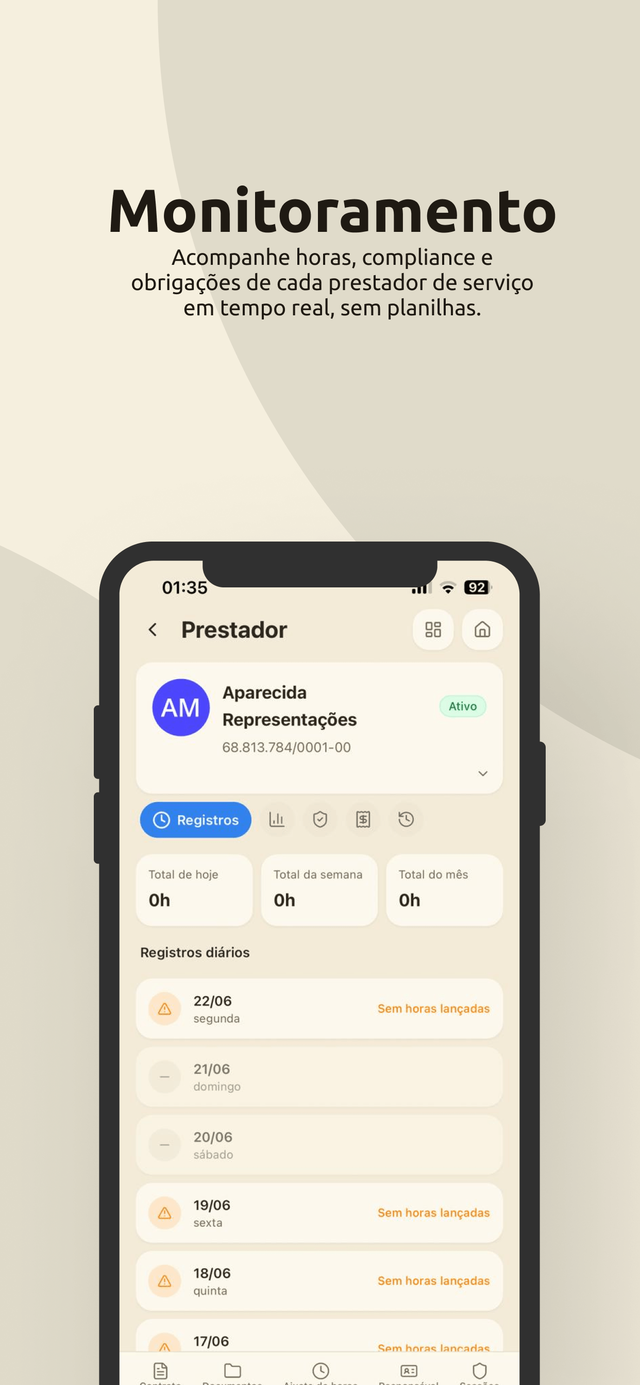
The company that hires runs the entire contract lifecycle from the phone: draft, review, negotiate and follow the signature. The company that delivers resolves whatever depends on it. iOS, Android and tablet, with no password to type.
No other CLM runs the entire contract lifecycle in a mobile app, for both sides of the relationship.
For the people doing the work
The app for whoever delivers the service is lean on purpose. It handles what has to be done every week to keep the contract on track, with no training and no spreadsheet.
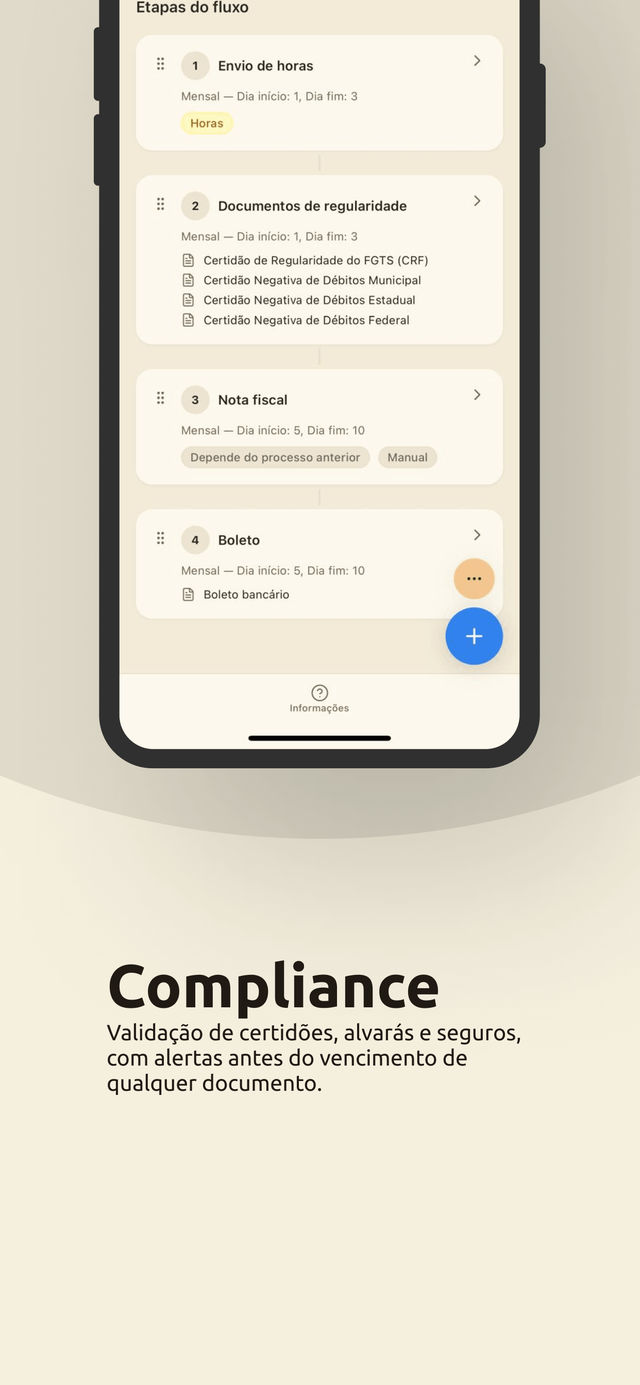
Compliance documents sent straight from the phone
Issue and follow the invoice for the period
Hours logged per task, when the contract calls for them
Location recorded when the hours are submitted, for the audit trail
For the people hiring
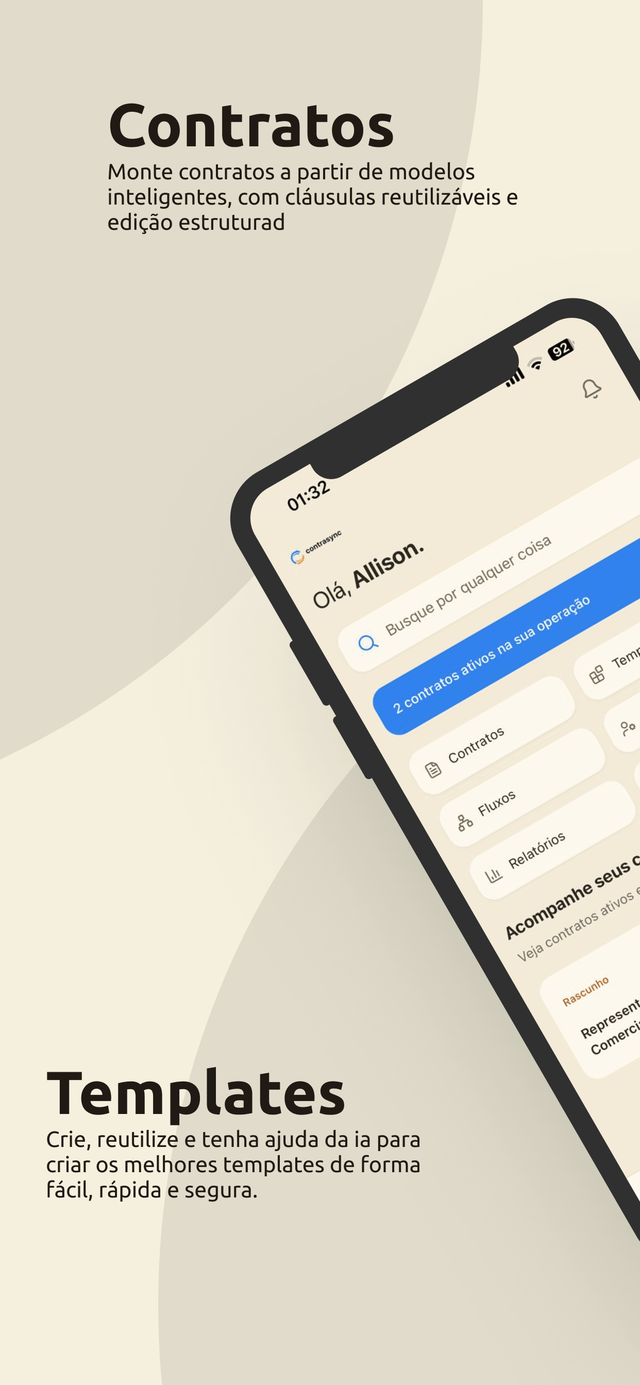
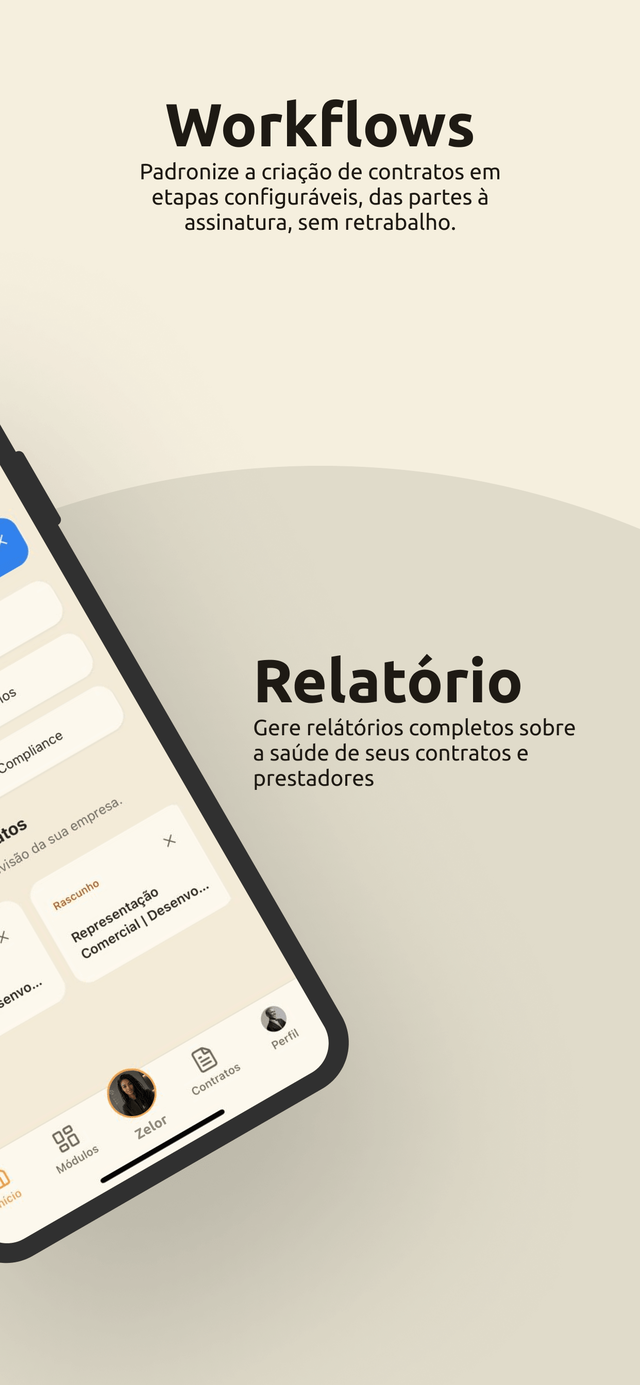
The hiring side is not a stripped down version of the system. It is the whole lifecycle: contracts, templates, workflows, compliance, team, clients, finance, reports and integrations.
Ten platform modules available on the phone
Contract creation, amendments, negotiation and signature tracking
Review with comments, clause approval and version history
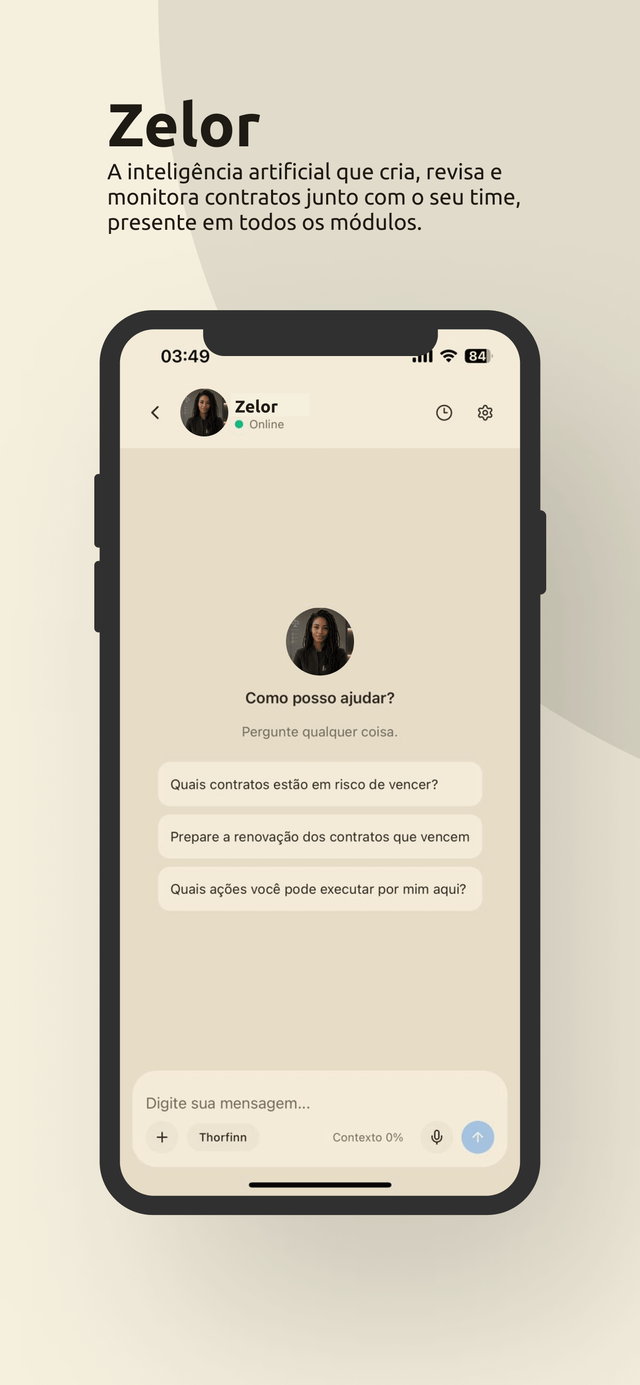
Zelor in the app, with history, memory and the context of the screen
Passwordless login
There is no password in the app. You get in by scanning the QR code from the web dashboard, or through the access link Zelor sends on WhatsApp.
Entry with a QR code read from the web platform
No password to memorize and no password to leak
Several devices per user, with remote sign out from the dashboard
Notifications that arrive on time
Contract published, document approved, signature requested, compliance deadline coming up, pending item resolved. The app tells you when it happens, not when someone remembers to mention it.
Push notifications for the stages that depend on you
A pending items counter updated in real time
Every notice opens straight on the right screen
Inside the app
Zelor goes with you, in your pocket
The artificial intelligence does not stay on the computer. In the app, Zelor answers with the context of the screen you are on, keeps the history of the conversations and holds the memory of what matters to your team.
Who uses it, how to get in, what can be signed and where to download it.
Who uses the Contrasync app?
Both sides. Whoever hires gets the full lifecycle on the phone: contracts, templates, workflows, compliance, finance, reports and integrations, plus Zelor. Whoever delivers uses it to follow the contract, send compliance documents, issue the invoice and log hours when the contract calls for them.
How do I log in to the app?
With no password. You scan the QR code shown on the web platform, or use the access link Zelor sends on WhatsApp. The session stays on the device, and can be closed remotely from the dashboard.
Can I sign a contract from the app?
You follow the signature workflow, trigger the sending and chase whoever still has to sign. The signature itself opens in a secure platform screen, launched from the app, with a full audit trail.
Is the app available for iOS and Android?
Yes, for iPhone and Android, with a layout adapted for tablet. The access is the same as your Contrasync account, with no separate registration.
Want to know more? Talk to our team!
Book a personalized demo and see how we can simplify the way you manage your contracts.

 Zelor
Zelor